How to Follow Up Without Being Annoying
Practical timing rules, email examples, and CRM tricks that turn awkward follow-ups into deals — without making you cringe.
 Dr. Andreas Fruth
The Email You Almost Didn't Send
I once lost a deal because I followed up one day too late. The prospect signed with a competitor who reached out on Tuesday while I was still "waiting to not seem pushy."
The fear of being annoying cost me more than any aggressive email ever could. You're not following up too much. You're following up too little, too late, and with the wrong message.
The Follow-Up Paradox
You had a great call. Now it's been three days and you're staring at a blank email thinking: "Will I seem desperate?"
Meanwhile, your prospect has had 47 meetings since yours. Without a follow-up, you're fading from memory — not building anticipation. Most sales take multiple follow-ups to close, but almost half of salespeople give up after one. The gap between "persistent" and "annoying" isn't frequency. It's whether you're adding value or just asking "any update?"
Timing Rules That Actually Work
After years of trial and error, here's the timing framework I use:
- After a discovery call: Follow up within 24 hours. Send a brief recap of what you discussed and the agreed next step. This isn't pushy — it's professional.
- After sending a proposal: Wait 2 business days, then check in. Don't ask if they've read it. Ask if anything needs clarification.
- After a demo: Follow up the next day with a short summary and any resources they asked about. Include a specific question to keep the conversation moving.
- After no response to your first follow-up: Wait 4-5 business days. Change the angle — share something relevant to their business, not yours.
- After two unanswered emails: Wait a full week. Send a "closing the loop" message that gives them an easy out. Ironically, this one gets the most replies.
The pattern: start tight, then space it out. And never send the same message twice with different words.
What to Say (and What to Stop Saying)
The fastest way to become annoying is to send "just checking in" emails. Here's what works instead:
Give them something useful: "Hey Sarah — saw this article about supply chain automation and thought of our conversation about your warehouse bottlenecks. Figured it might be relevant regardless of whether we end up working together."
Reference something specific: "Hi Thomas — you mentioned the Q2 deadline for rolling out the new system. Since that's coming up, I wanted to check if the proposal timeline still works."
Make the next step tiny: "Would a 10-minute call Thursday make sense? If not, happy to answer over email." Small asks beat big ones every time.
Know when to let go: "Hi Maria — I've reached out a few times and haven't heard back, so I don't want to keep filling your inbox. No hard feelings — just reply whenever it makes sense." This email has the highest response rate of any follow-up I send.
The "Oh No, I Forgot" Problem
What actually kills deals isn't bad follow-up emails. It's no follow-up at all. You make a mental note, Thursday comes, you're deep in product work. A week goes by. Now it's awkward.
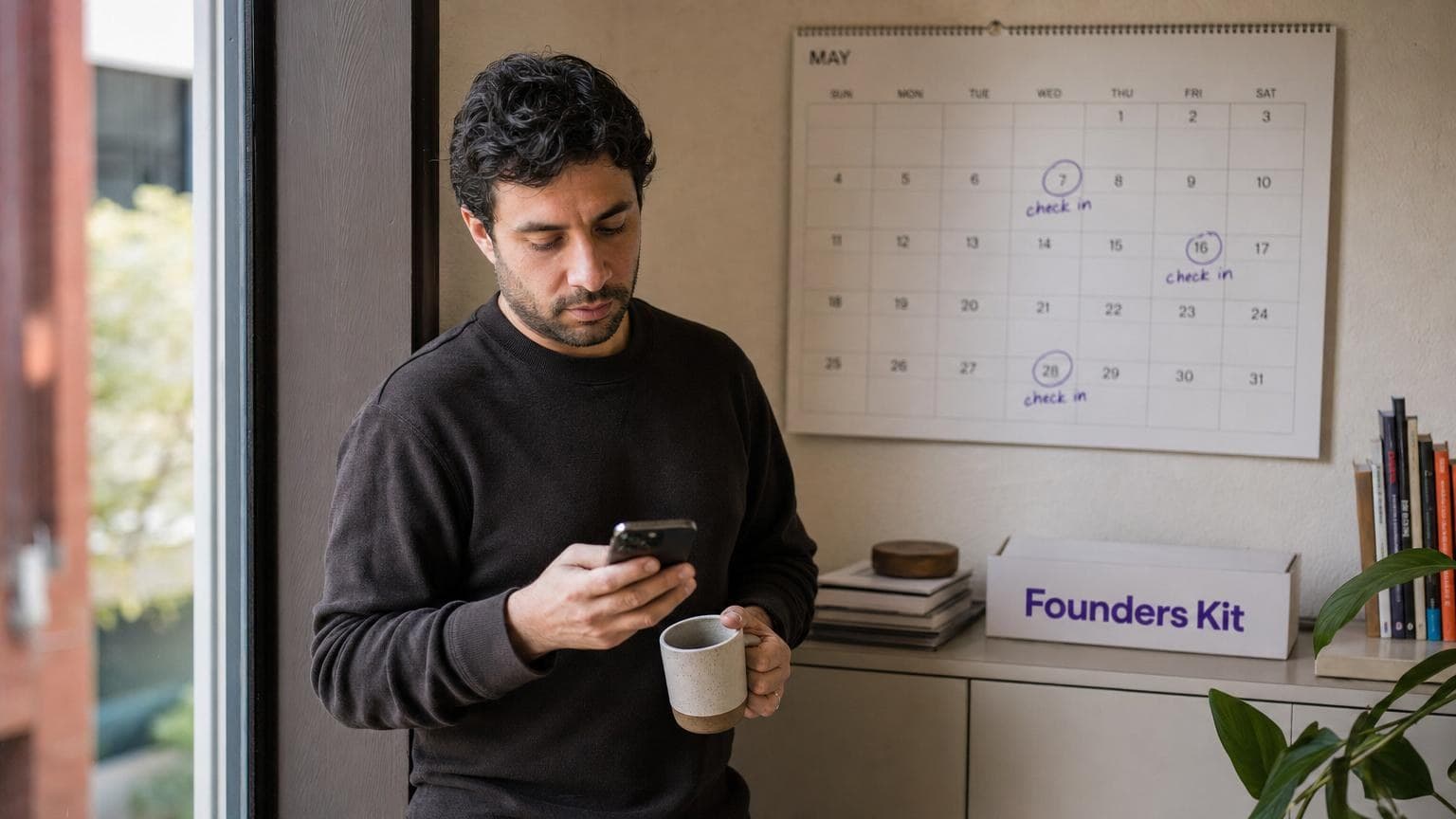
This is where a CRM earns its keep — as a memory system that doesn't forget. In Founders Kit, you tell Kit "Follow up with David next Tuesday about the revised proposal" and Tuesday morning it's in your briefing. You can also ask "Which deals haven't been touched in over a week?" and get an instant list of relationships going cold. (We covered how a conversational CRM replaces spreadsheets for exactly this.)
Follow Up Like You Mean It
The cheat sheet: follow up within 24 hours, add value in every message, space it out as silence grows, use your CRM to remember, and give them an exit when it's time.
Persistent adds value. Annoying asks for it. Stay on the right side.