Managing Your Pipeline From Your Phone
Your best deal updates happen between meetings, not at your desk. Here's how to keep your pipeline current from your phone.
 Dr. Andreas Fruth
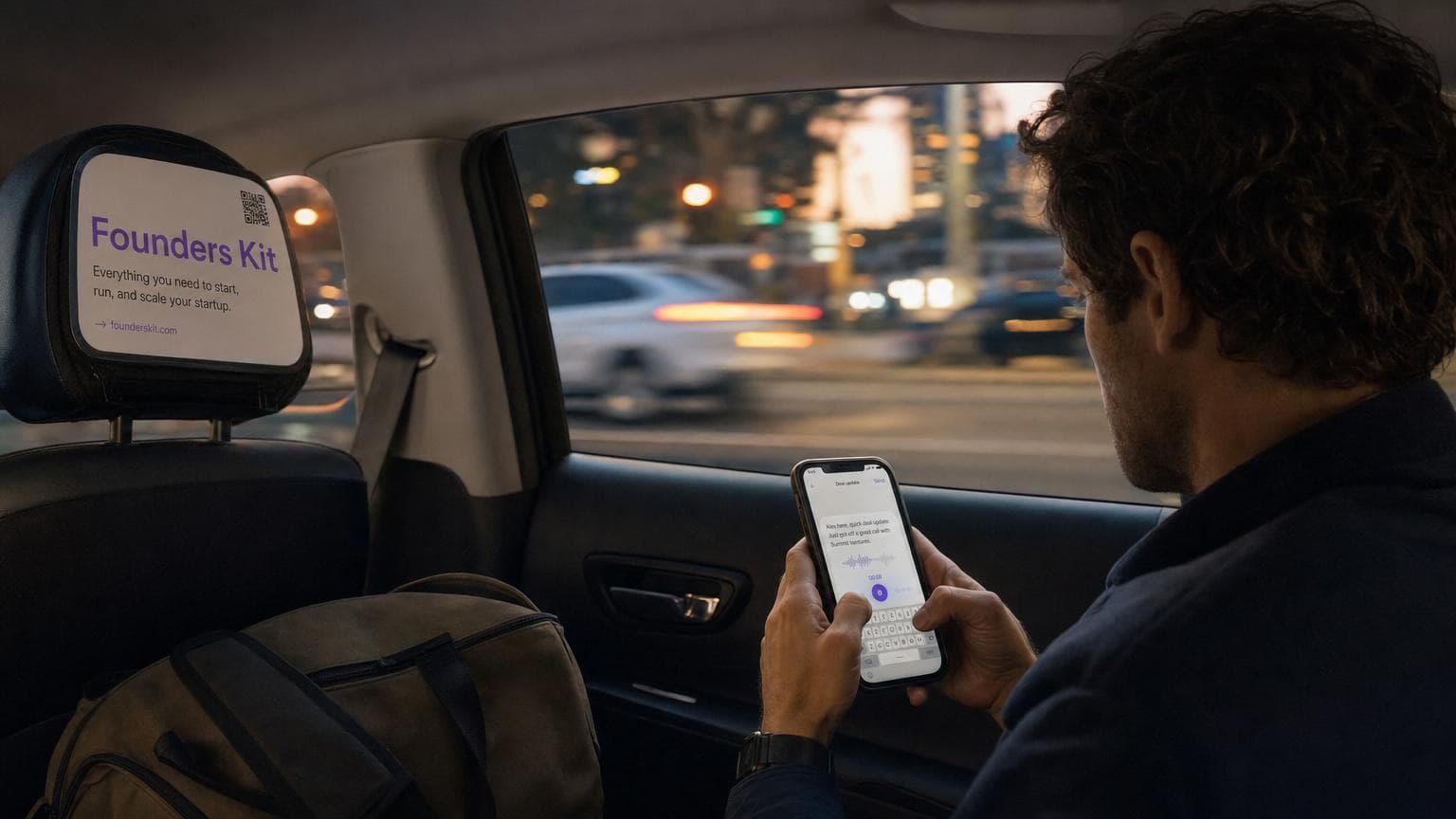
The Best Deal Notes Happen in the Back of a Taxi
I used to wait until I got back to my desk to update my CRM. After a client lunch, I'd think "I'll log that later." After a discovery call at a coffee shop, same thing. By the time I opened my laptop, half the details were gone. Was the budget €30K or €35K? Did she say Q3 or Q4 for the rollout? I couldn't remember.
The notes I took immediately — on my phone, in the elevator, waiting for an Uber — were always better. More specific. More honest. The freshest version of a conversation is the one you capture within five minutes of having it.
Your CRM Shouldn't Need a Desktop
Here's what I realized after losing details on dozens of deals: the problem wasn't my memory. It was that my CRM expected me to sit down, open a browser, navigate to the right deal, click "add note," and fill in form fields. On a phone, that's painful. Tiny dropdowns, multi-step forms, fields you can barely tap — it all adds up to "I'll do it later." And later never comes.
A conversational CRM flips this. You type a sentence to Kit the same way you'd text a colleague. "Just met with Thomas at GreenLine. They want to start with 50 seats, budget approved, demo next Tuesday." That's it. Kit creates the activity, updates the deal, and logs the details. No forms. No dropdowns. No squinting at tiny fields.
If updating your CRM feels harder than sending a text message, you won't do it on the go.
The Three-Minute Pipeline Check Before a Call
You're about to walk into a meeting. You have three minutes. On most CRMs, three minutes gets you past the login screen and maybe halfway through loading the pipeline view. Not helpful.
What you actually need before a call: what stage is this deal in, when did I last talk to them, and what did I promise to follow up on. With Kit, you ask. "What's the latest on the Vantage deal?" You get a summary — last activity, open tasks, deal value, stage — in a format that reads like a quick brief, not a data table.
The value of a mobile CRM isn't doing everything from your phone. It's getting the right context in under a minute.
Logging Notes While They're Still Fresh
I've seen founders try every workaround. Voice memos they never transcribe. Notes apps they never check again. Emails to themselves that pile up unprocessed. The intent is good. The follow-through breaks down because there's a second step — transferring those notes into the CRM — that never happens.
When you type directly to Kit, there is no second step. The note is the CRM update. You're not creating a reminder to update later. You're updating now, in the moment, with all the detail you'll forget by tomorrow.
"Sarah mentioned they're comparing us to two other vendors. Price isn't the issue — it's onboarding speed. She wants a case study from a similar-sized company." Thirty seconds of typing. That context is now on the deal, searchable, visible in your daily briefing the next morning.
The best CRM input method is the one you'll actually use at 6pm in an airport lounge.
What About the Stuff That Can Wait?
Not everything needs to happen on your phone. Pipeline restructuring, bulk imports, reporting — those are desk tasks. The point isn't to do all your CRM work on mobile. It's to never lose a detail because you weren't at your desk.
Think of it as two modes. Your phone is for capture: notes, quick updates, context checks. Your laptop is for planning: reviewing your pipeline, adjusting stages, running through your weekly numbers. Most founders I talk to spend 80% of their CRM time in capture mode. If that mode doesn't work on your phone, you're losing most of your data.
A CRM that only works at a desk misses the moments that matter most — right after the conversation happens.
The Habit That Changed My Close Rate
Here's what my routine looks like now. After every meeting or call, I pull out my phone and spend 30 seconds telling Kit what happened. Before the next meeting, I spend 30 seconds asking Kit for context. That's it. Less than five minutes a day on my phone, and my pipeline stays current without a single spreadsheet update or evening "CRM catch-up" session.
The founders who keep their CRM accurate aren't more disciplined than you. They just use a tool that fits the way they already work — in motion, between things, from their pocket.
Your pipeline doesn't go stale because you don't care. It goes stale because your CRM doesn't meet you where you are.