The 10-Minute CRM Setup That Actually Works
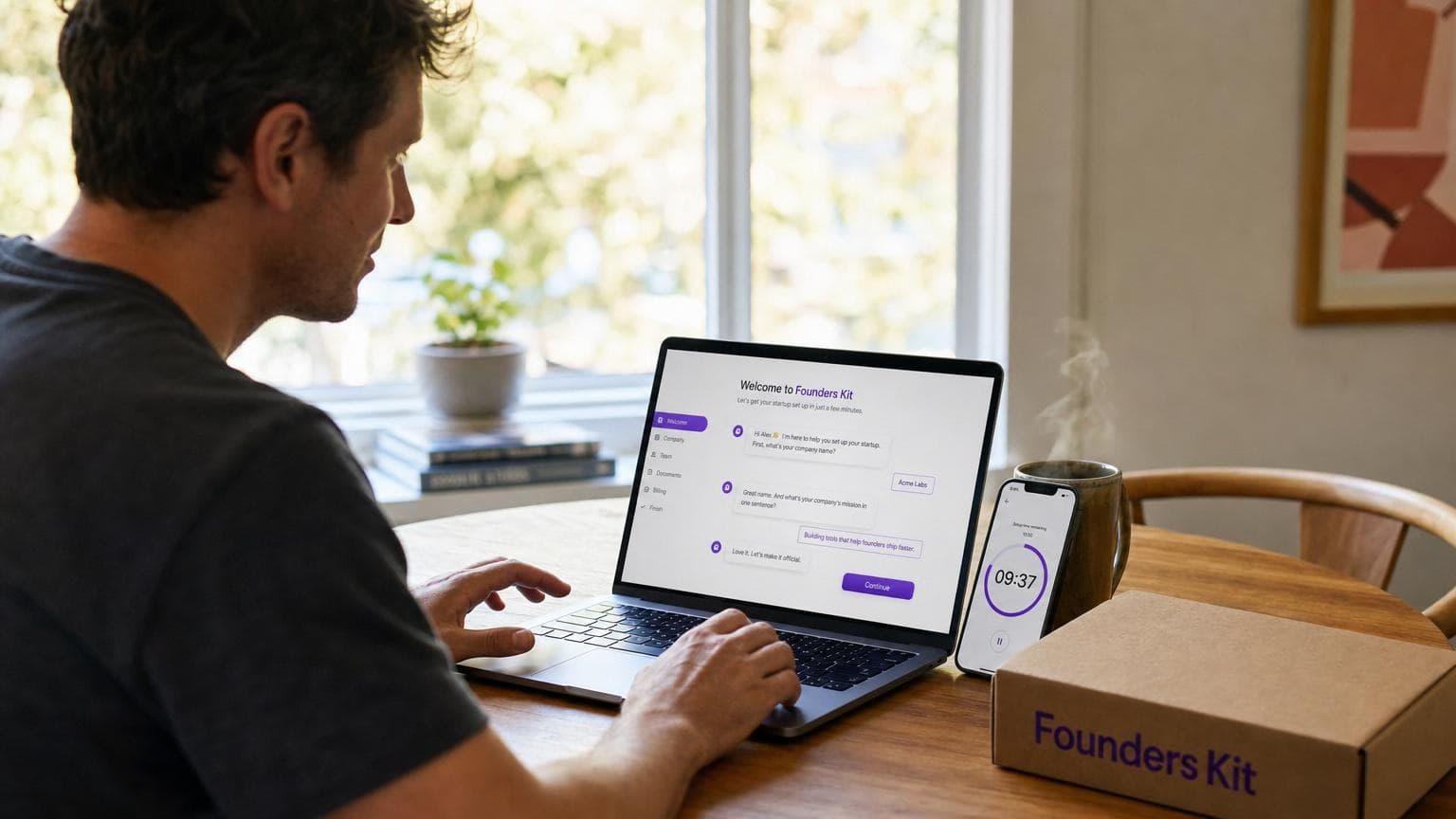
Most founders set up Founders Kit in under 10 minutes. No tutorials, no config wizards. Here's what that looks like.
 Oana Clopotel
You Don't Need a Weekend to Set Up Your CRM
Most CRM setups take 45 to 60 minutes. Import contacts, map fields, configure pipeline stages, set up email, watch a tutorial, give up on the tutorial. By the time you're "done," you've burned an hour and you still don't trust the data.
Most founders who try Founders Kit are set up in under 10 minutes. No help docs. No tutorials.
The moment people stopped being skeptical was always the same: when Kit created their first deal from a plain sentence. "I'm talking to Sarah at Meridian about a $15K annual contract, needs to check with her CFO" — and Kit pulled out the contact, company, deal value, and stage.
The "aha" moment isn't a feature tour. It's the first time the CRM does something useful without being told how.
Sign Up and Skip the Wizard
Most CRMs front-load the pain — team size, industry, sales methodology, pipeline stages — all before you've done a single useful thing. Founders Kit skips that. You sign up, Kit greets you, and you're ready to go.
If your CRM needs 20 configuration steps before it's useful, the problem isn't you — it's the CRM.
Tell Kit About Your Deals
No spreadsheet import, no CSV mapping. Just describe what you're working on:
"I've got three deals going. Mike at TechFlow wants our starter plan, closing next week. A bigger one with Luna Health, $40K, still evaluating. And a first call with someone at Prism — too early to tell."
Kit creates the contacts, companies, and deals, sets pipeline stages, and asks you to confirm. If something's off, correct it in plain language. Founders coming from spreadsheets always have the same reaction: "Wait, that's it?"
Your first five deals should take less time to enter than finding the CSV export button in your old tool.
Connect Your Email
Connect your Google or Microsoft account in settings and Kit starts syncing conversations, matching them to contacts and deals. The CRM goes from a place you put data into to something that keeps up with you. If you've read about why most CRMs fail small teams, you know manual data entry is the number one killer.
A CRM that can't read your email is always going to be out of date.
Check Your Briefing Tomorrow
The next morning, Kit gives you a briefing: deals that need attention, follow-ups due, emails that came in overnight. The setup wasn't about configuring the tool — it was about giving Kit enough context to be useful.
The real test of a CRM setup isn't whether you finished it. It's whether you open it again tomorrow.
Block 10 minutes. Tell Kit about your top three deals, connect your email, close the tab. Check your briefing the next morning. That's the real demo — just you, your actual deals, and a CRM that already knows what you're working on.