Why Most CRMs Fail Small Teams (And What to Do About It)
Enterprise CRMs stripped down for small teams still feel wrong. Here's what actually breaks, and what to look for instead.
 Oana Clopotel
You Weren't Supposed to Use It This Way
Most CRM software was built for a specific kind of company: 50+ people, a dedicated sales team, a manager who reviews dashboards, and maybe an IT person who handles the setup. Then someone in marketing decided to sell the same product to two-person startups by hiding half the features behind a cheaper plan.
That's not a small team CRM. That's an enterprise CRM with parts missing.
When I tested several popular CRMs with teams of one to three people, the same patterns kept showing up. Features that assumed roles you don't have. Empty dashboards waiting for data from teammates who don't exist. Pricing that charges per seat but delivers per department.
The problem isn't that small teams pick the wrong CRM. It's that most CRMs were never designed for them in the first place.
The Empty Dashboard Problem
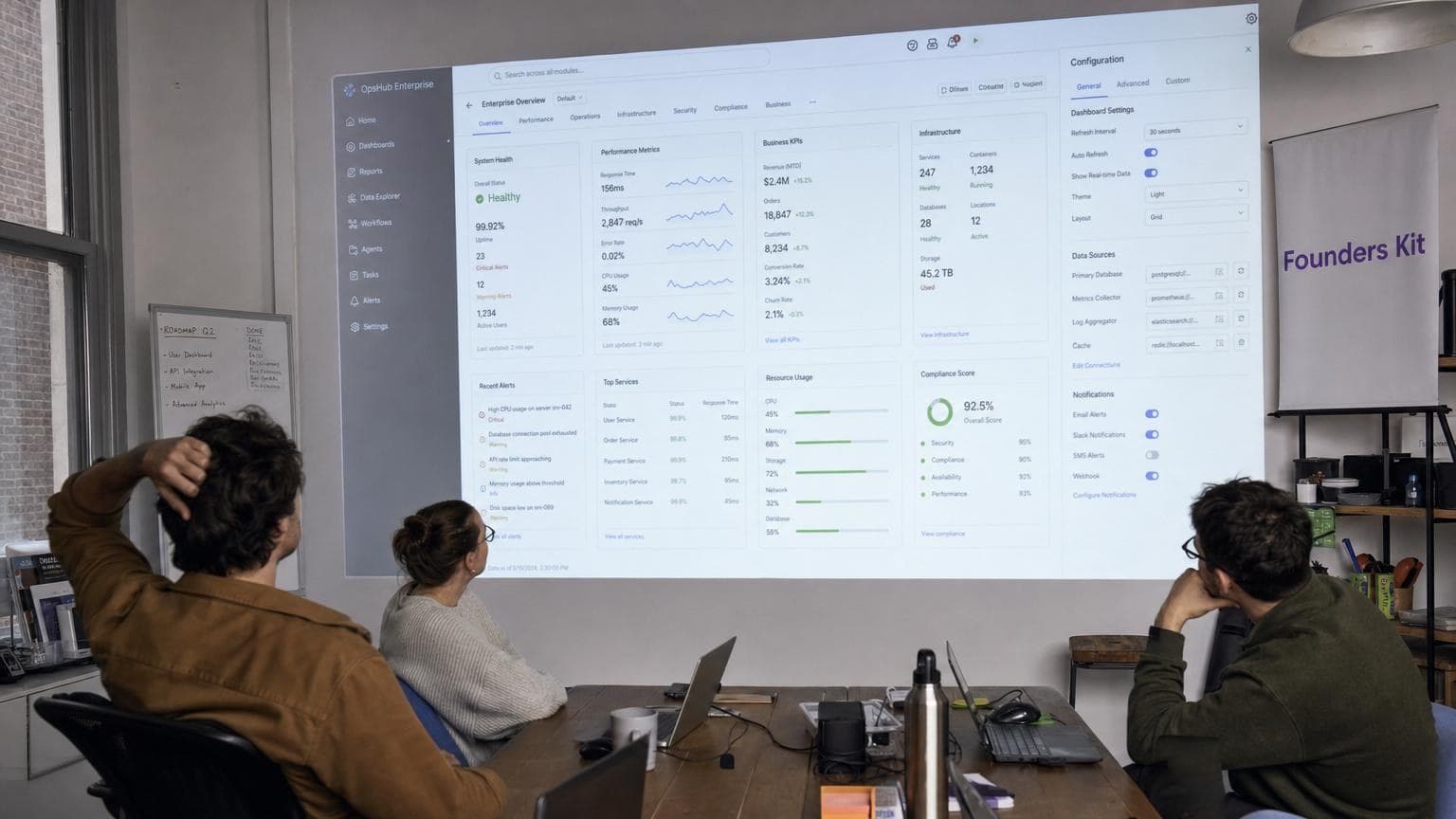
Here's something you notice fast when testing CRMs with small teams: the dashboard feels hollow. Team performance widgets with one name. Leaderboards where you compete against yourself. Activity feeds that show your own actions back to you.
These are design decisions made for a 30-person sales floor that nobody adjusted for smaller teams. Most solo founders said the same thing within the first five minutes: "This feels like I'm using someone else's tool."
A CRM built for small teams should feel complete at one user — not like a conference room set for 20 where only two people showed up.
Setup That Assumes You Have an IT Department
Enterprise CRMs come with setup wizards that run 45 minutes to an hour. Pipelines, stages, custom fields, role permissions, email integrations, automation rules. If you have a sales ops person, this is Tuesday afternoon. If you're a founder, this is a week of evenings you don't have.
Most founders made it about 15 minutes into setup before they either started skipping steps or closed the tab. The ones who pushed through often misconfigured something early on that created confusion later.
Setup complexity is the first filter. It doesn't select for the best customers — it selects for the ones with the most patience. The CRMs that worked well for small teams had one thing in common: you could do useful work within the first five minutes.
Pricing Built for Headcount, Not Value
Most CRM pricing follows the same formula: a per-seat monthly cost that drops at higher tiers. $50/seat looks reasonable at 50 seats. At two seats, you're paying $100/month for software that still expects you to configure it like an enterprise customer.
Feature gating at lower tiers often removes exactly what small teams need most — email integration, reporting, automation. When you strip a $150/seat enterprise CRM down to a $25/seat starter plan, you don't get a simpler product. You get a limited one. Simple means less friction. Limited means it can't do what you need at all.
What Small Teams Actually Need
After building and testing a CRM specifically for teams of one, certain needs kept surfacing over and over. They're not what enterprise CRM feature lists prioritize.
Speed over features. A solo founder has maybe 30 seconds of motivation to log a call. If your CRM can't capture a deal in that window, the data doesn't get entered. Telling Kit "Just had a great call with Sarah at Finova, she wants the growth plan, follow up Thursday" takes about 15 seconds.
Daily utility over quarterly reporting. Small teams don't need forecasting models. They need to know three things every morning: who to call, what's overdue, and which deals are going cold.
Speed of setup over depth of customization. The tool should be useful before you've finished your first coffee, not after a week of evenings in settings panels.
Feeling complete alone. No ghost widgets, no empty team views, no features that only make sense with a sales floor.
How to Actually Choose a CRM for a Small Team
Forget feature comparison matrices. Here's what to actually test:
The five-minute test. Sign up and create your first real deal. If it takes more than five minutes, move on.
The solo user test. Does the dashboard look right with just your data? Or is it clearly designed for a team?
The logging test. After a real call, try to capture what happened. If it takes more than 30 seconds and feels like filling out a form, the tool is built for data entry — not for founders.
The morning test. Can the CRM tell you what to focus on today without you digging through screens?
Stop Adapting to Your CRM
The premise of enterprise CRMs sold to small teams is that you should adapt your workflow to the software. That premise is wrong for teams under ten people. The tool needs to bend around you — not the other way around.
Some founders solve this by replacing multiple single-purpose tools with one CRM that does it all. Most CRMs fail small teams because they were never really meant for them. You don't have to settle for a stripped-down version of someone else's tool.